History
The story of TreeNotes before 7.0
TreeNotes 6.0
2024
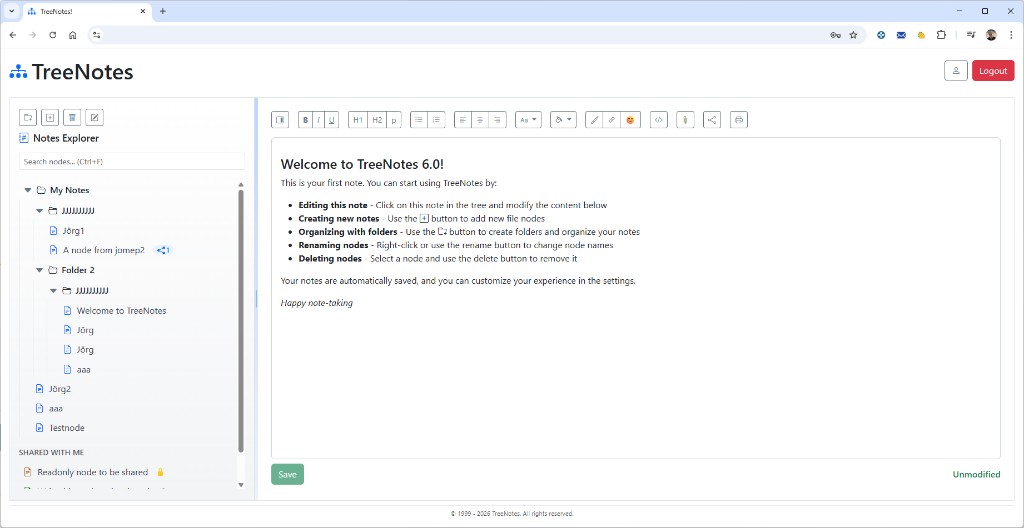
TreeNotes 6.0 introduced the familiar two-pane layout: a Notes Explorer sidebar with search and a tree of folders and notes, and a rich text editor with formatting toolbar. It supported creating notes and folders, renaming and deleting nodes, and sharing notes with others (including a “Shared with me” section with read-only indicators). Notes were automatically saved with a manual Save option and an “Unmodified” status in the footer.
TreeNotes 4.01
2008
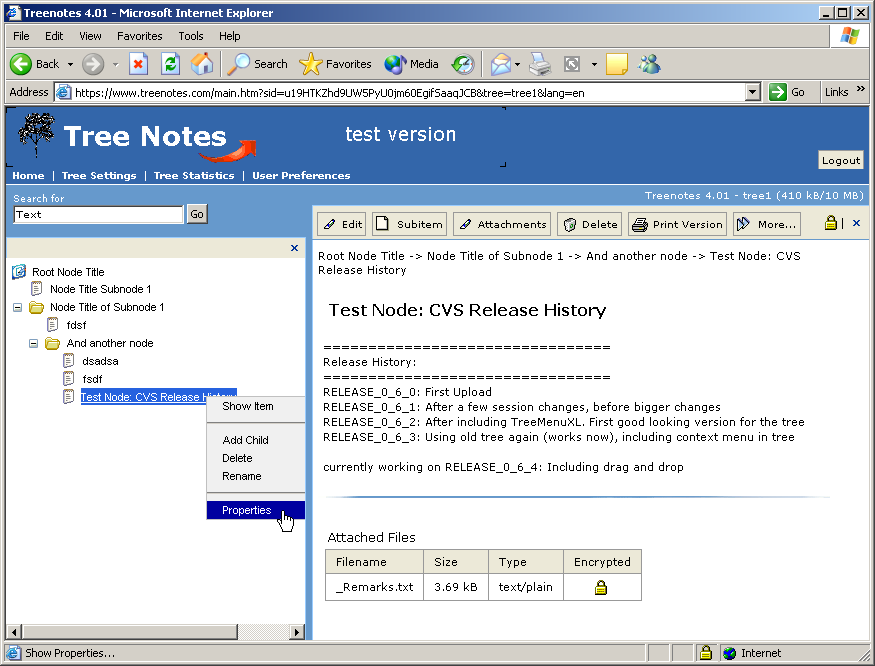
By 4.01 TreeNotes had grown into a full-featured web app: text search in the tree, a right-click context menu (Show, Add Child, Delete, Rename, Properties), and a content toolbar (Edit, Subitem, Attachments, Delete, Print, More). Notes could store release history or changelog-style content, and for the first time you could attach files to nodes—with an option to store them encrypted, foreshadowing the end-to-end encryption in 7.x. The header offered Tree Settings, Tree Statistics, and User Preferences, and showed storage usage (e.g. 410 kB / 10 MB), all within the classic two-pane layout in the browser.
TreeNotes 2.0
2005
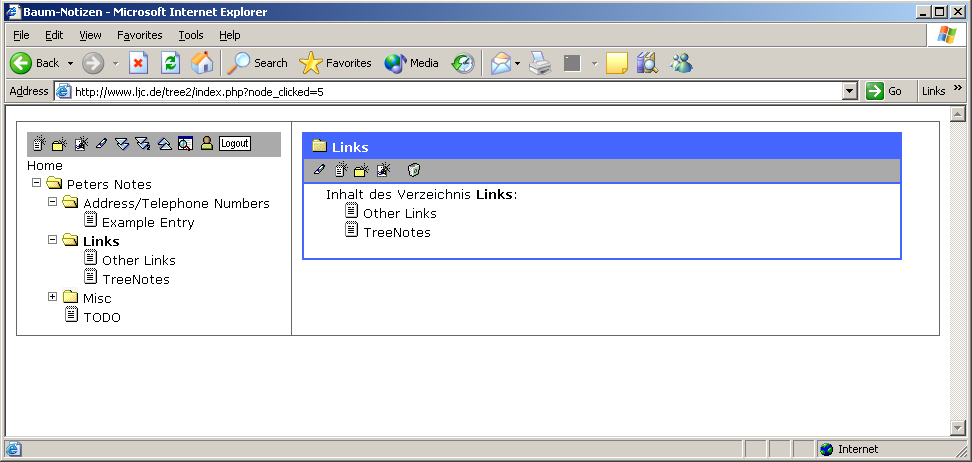
TreeNotes 2.0 (shown as “Baum-Notizen” in the German interface) kept the two-pane layout: a collapsible tree on the left and a content pane on the right. Clicking a node in the tree updated the right side to show that folder’s contents. A toolbar above the tree offered create, edit, and delete actions, and a Logout button indicated user accounts and authentication. Content was still mainly a list of items in the selected directory rather than a full rich-text editor—a step toward the richer editing that arrived in later versions.
TreeNotes 1.0
2004
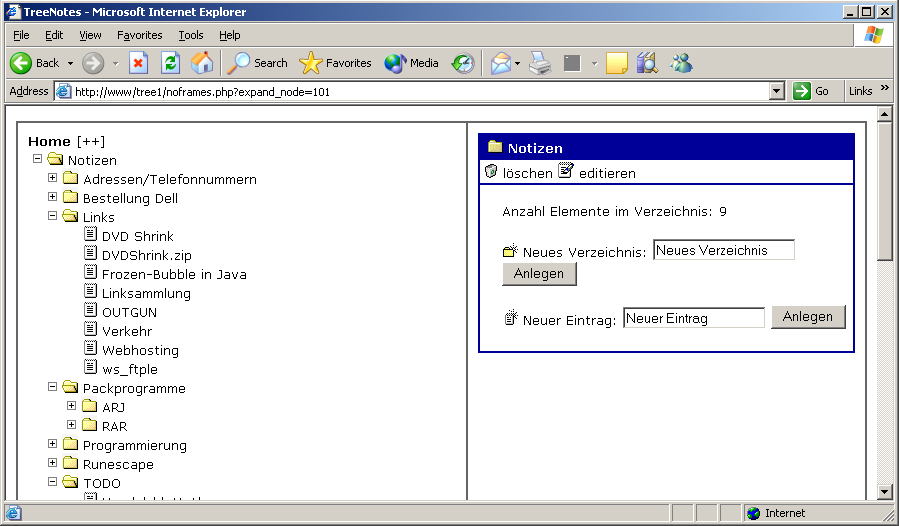
The first web-based TreeNotes ran in the browser (here, Microsoft Internet Explorer) with a classic two-pane layout: a tree on the left for navigation and a content area on the right. You could create new directories and entries, edit and delete nodes, and organize everything in a hierarchy—notes, links, addresses, and other references. The interface was simple and functional, typical of early-2000s web apps, and already established the tree-based structure that TreeNotes still uses today.
Earlier versions
TreeNotes has been in development since 1999. The historic versions above were used mainly by the author for personal use and by a small circle of friends and close contacts. The 1.x line and other pre-6.x releases evolved from early prototypes into the tree-based experience that led to 6.0 and the encrypted 7.x line. Detailed release history for versions between 1.0 and 6.0 is not listed here.